The whole list, plan by plan. All Access is an add-on to Vessa Rig, and during the beta everything is free and unlocked.
Free to start
Everything in Vessa Rig for up to five songs, forever, plus one book or podcast, and when you buy Vessa Rig, your first two weeks of All Access are free. Songs you create, duplicate, restore from your own backup or receive from your own rig never count toward the five.
Personal monitoring
A mix for the audience. A mix for you.
Ears is a separate mixer for what you hear on stage. Balance the buses, Vessa Keys, Vessa Pad, clips and vocal-effects return. Give click and dynamic spoken cues the level you need.
Hear more of your keys without turning them up for the audience. Check the audience mix with a tap, then return to your own.
Requires a dedicated interface output or Cue Split: ears on the left, mono audience mix on the right. Each sound feature keeps its own plan requirements.
Books & Podcasts
Come back to that thought.
Import your audiobooks, podcasts, sermons or talks from audio or video files. Your device transcribes the words so you can read with the voice, tap a word to play from there and search for a phrase.
Jump between chapters, save bookmarks with notes and pick up where you left off. Set your pace from 0.5× to 2×, or use a sleep timer.
A library separate from your songs. Requires iOS, iPadOS or macOS 26. Included in Vessa Rig; the free allowance is one book or podcast.
Vessa Rig$24.99 a year, or $124.99 Lifetime — buy once, yours foreverPrice at launch · yearly or Lifetime
Everything to prepare and run a complete show on one iPad or iPhone.
Unlimited songs, with multitrack playback
Ears: a dedicated in-ear mixer, with its own levels for buses, instruments, clips, click and cues. Use a dedicated output or Cue Split.
Books & Podcasts: your recordings, on-device transcription, synchronized reading, chapters, search, bookmarks and your saved place. Requires iOS, iPadOS or macOS 26.
Import from Stage Traxx 4, OnSong, ChordPro and Vessa files — and backup, restore and share, always
Song details (title, artist, tempo, key) and sections found for you
Song editing: key and transpose, tempo and speed, sections and loops, trims, fades, tempo maps, Beat Align
Click and count-ins, dynamic spoken cues in English and Spanish, and your own recorded cues
Dynamic cues: tap a section and the cue announces it by name, on the count
Transitions between songs: Cue Next, Play Next, Overlap, Crossfade, AUTO and Stage Flow
Lyrics and chords on your screen and on a TV or projector, in two lyric themes, Classic and Ember, each with Size and Energy sliders per song, and a picture or video background per song
Top layers: up to three pictures or videos you put on the screen with a tap, shared across every song, and three overlays: Fade, Vignette and Focus
The Bible on the screen, as a module or a panel: type a reference or tap a verse, or give a verse to a section of a song. Eight Bibles built in — King James, Berean Standard, World English, Reina-Valera 1909, Palabra de Dios para ti, Louis Segond, Riveduta and Lutherbibel — with the Classic, Parchment and Over the Song themes. Or bring your own Bible file, in any language, and it works offline too. Find Bible files at eBible.org, the Zefania project and OpenSong.
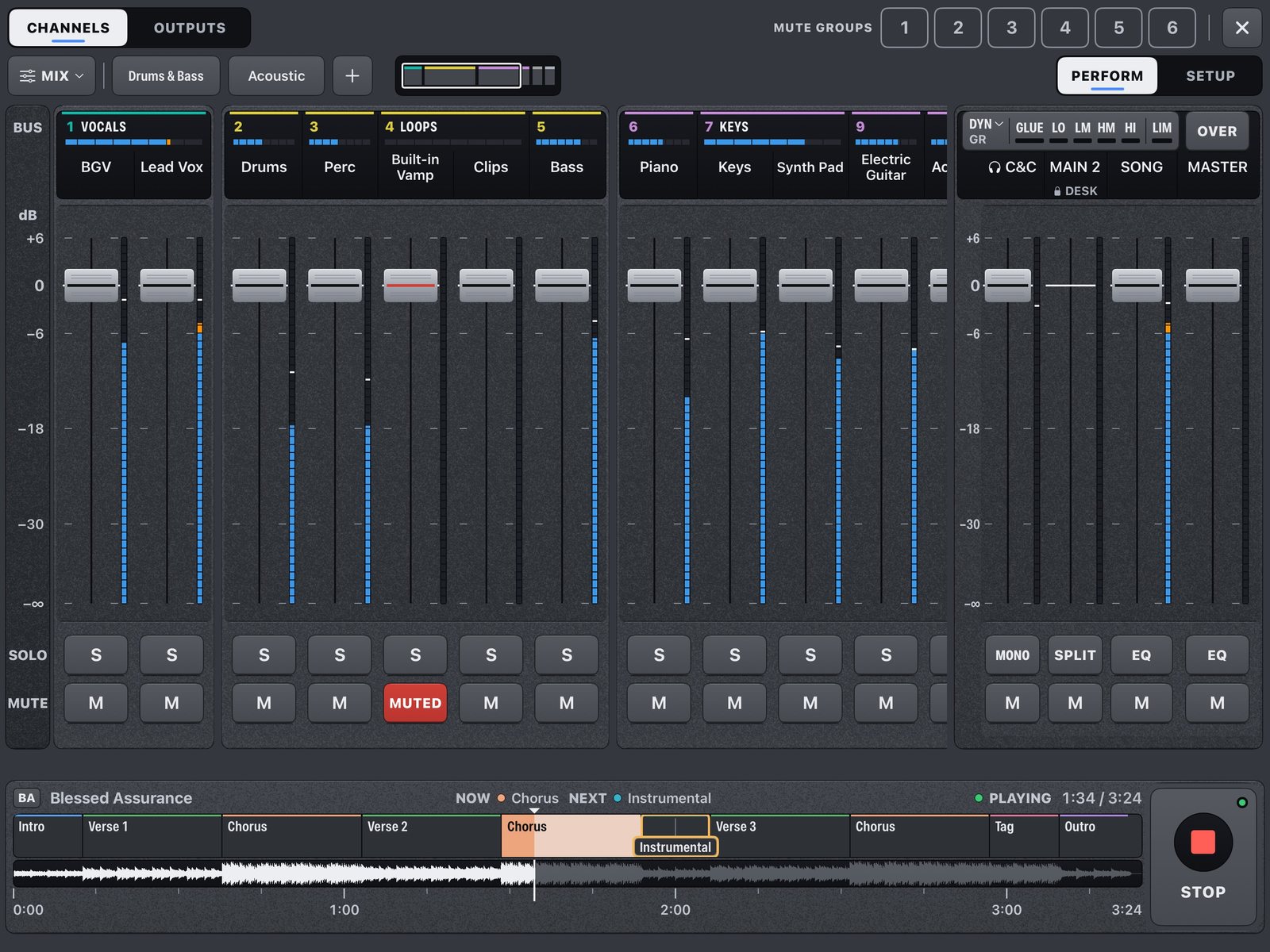
The full mixer: trim, pan and EQ on every channel and instrument, song and master EQ, snapshots, mute groups, routing to any output, and a master limiter
Two inputs with EQ: your vocal, and a second mic or an acoustic guitar
Vessa Pad, the ambient pad
Vessa Keys, the layered instrument, with a free Grand Piano, Chapel Organ and pad
Your keys fit the moment: optional Keys in the Mix gently reduces competing low frequencies as the backing music fills out, brings back body in lighter passages, and gradually restores your full keyboard sound when playback stops. You choose when to switch it on.
MIDI foot pedals and controllers
iCloud Sync: your library on every device signed into your Apple Account
SMPTE timecode out (Bus 16) for lighting desks and video, or a failover tone a switcher can watch
MIDI Clock and MTC out: lights, video and other apps follow your tempo and your place in the song
Lyrics on audience phones: a QR code on the screen, and anyone can read the words and the Bible verse on their own phone, in their own language, with no app
The Setlist module in three styles, Cards, Titles or Covers, sized to fit your page
A modular Live page: every look, material and layout, and as many saved layouts as you need, twelve a tap away mid-song
Any number of devices for lyrics, chords and cues, and one remote (Volunteer or Leader)
While you subscribe: a year of new sounds
MIDI and OSC control surfaces (including the Behringer X32) and song MIDI triggers
All Access$4.99 a month, or $39.99 a year — subscribe at launch and keep this price · Vessa Rig not includedPrice at launch · Vessa Rig not included
An add-on to Vessa Rig, monthly or yearly:
VAMP and FADE: hold a section until the moment is over, then come back in on the count
Segue to any section of the next song, with spoken announcements and song titles
Versions: several arrangements of a song, chosen per setlist
Live language switch for bilingual vocals and lyrics
Setlist Suggest
Vocal effects: reverb, doubler and delay, with presets per song and per section, TALK and NUDGE
Every lyric theme: Slab Banner, Kinetic Scale, Knockout and Emphasis Mix
Every Bible theme: Proclaim, Modern, Dawn and Lower Third
Pictures and videos per section, intro slides, top layers for a single song and as many as you like, and every other overlay: Pinstripe, Vintage, Grunge and each new one
The Expanded Mixer and master dynamics
Clip pads
Switch saved layouts from a MIDI pedal or controller
Any number of remotes: Volunteer or Leader devices that run the show
Mac, with Apple silicon
Apple Watch: the song and what's next on your wrist, with Play, Pause, Stop and VAMP by the role your rig gives it, connected straight to the rig
Harmony for your voice, following the chords
The whole Vessa Keys sound library: sounds that change by themselves with each song and section, the Arranger, AUv3 plug-in instruments, and Keys on a second device
Pad Follow: Vessa Pad follows your keyboard and the chart
A backup iPad, and show hand-over. Needs its own audio connection; a frozen main iPad can mean a wait of up to 14.5 seconds. When it fails.
Coming: team libraries and streaming lyrics
While you subscribe: new extras as we release them, including Vessa Keys sounds, lyric themes, cue voices and vocal presets
 Vessa Rig